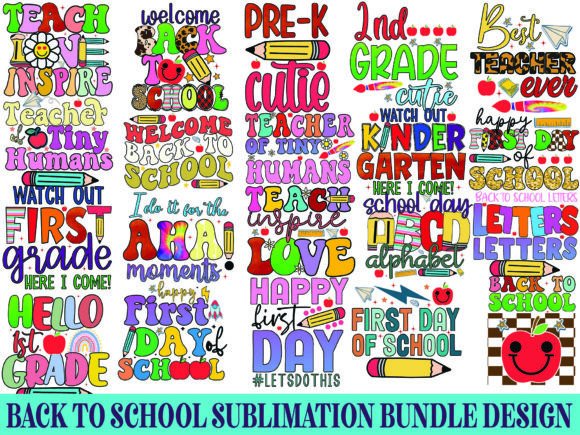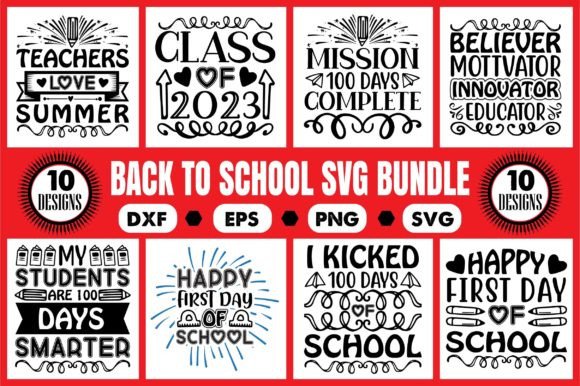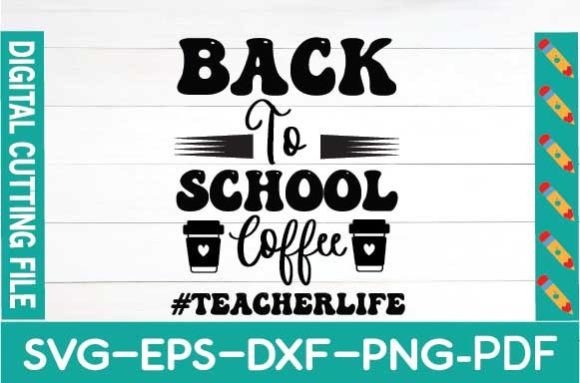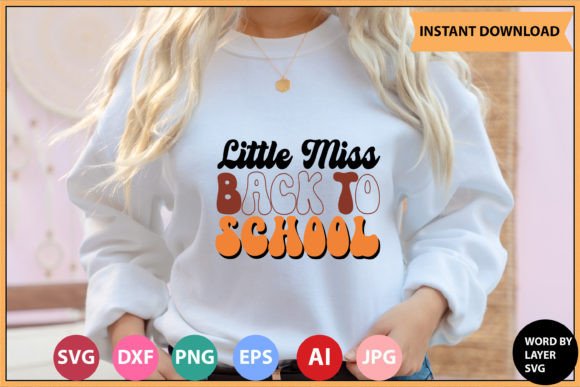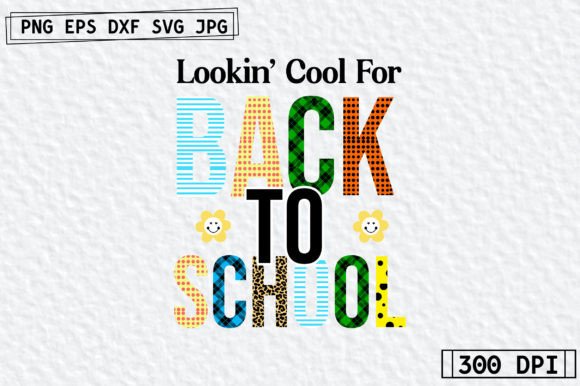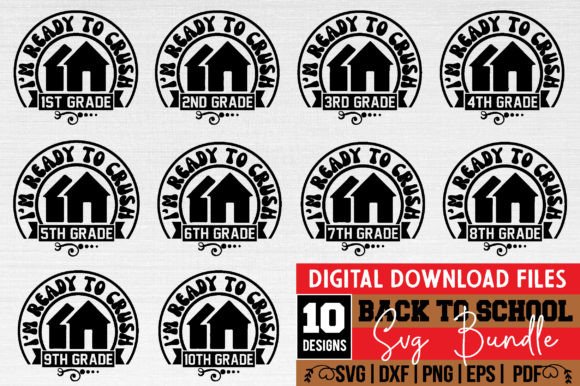
Back to School SVG Design Bundle Vol 2
If you're crafting custom apparel, classroom decor, or small-business marketing assets for the new academic year, the Back to School SVG Design Bundle Vol 2 delivers practical, production-ready design assets—no guesswork, no extra software hurdles. These aren’t generic clipart packs or overused templates. Each of the 10 designs is built with intention: clean vector geometry, thoughtful layering, and versatile visual language that balances playfulness with polish.
The bundle’s personality sits comfortably between energetic and approachable—think chalkboard textures paired with crisp outlines, handwritten-style quotes grounded by structured layout grids, and icons (apples, pencils, open books, graduation caps) rendered with subtle dimension and consistent stroke weight. There’s no visual noise: no excessive gradients, no forced shadows, no competing type treatments. Instead, you’ll find cohesive color-ready layers, smart negative space usage, and intentional spacing that translates cleanly across scales—from a 2-inch iron-on transfer to a 24-inch wall banner.
Where These Designs Actually Shine in Real Projects
This isn’t just about “cutting files.” It’s about solving real creative problems efficiently. The Back to School SVG Design Bundle Vol 2 works hardest where clarity, speed, and adaptability matter most:
- Small-batch apparel: Layered SVGs let you easily isolate elements—say, remove the “First Day” text from a t-shirt design while keeping the apple icon intact. Cricut Design Space recognizes each layer as editable, so color swaps, resizing, and repositioning happen in seconds—not minutes.
- Educational printables & classroom signage: The 300 DPI transparent PNGs drop cleanly into Canva or Google Slides without background cleanup. Use them as headers on handouts, layered behind student name tags, or scaled for hallway bulletin boards—all without pixelation or fuzzy edges.
- Local business promotions: A coffee shop launching a “Teachers’ Appreciation Week” campaign can drop the EPS or PDF files directly into Adobe Illustrator, recolor the entire design to match their brand palette, and export print-ready flyers in under five minutes.
- Digital-first content: Bloggers and educators building Instagram carousels or Pinterest pins benefit from the DXF compatibility—AutoCAD users can repurpose motifs for laser-cut acrylic signs or engraved wood plaques, extending the same visual idea across physical and digital touchpoints.
Design Integrity Starts With File Flexibility
What makes this bundle genuinely useful—not just convenient—is how file formats align with actual workflows. SVGs handle web and cutting machines. EPS and PDFs preserve vector fidelity for professional print prep. DXF supports precision fabrication tools. PNGs offer immediate drag-and-drop usability. That’s not redundancy—it’s redundancy *avoidance*. You’re not stuck converting or tracing; you’re choosing the right tool for the job, every time.
And because all 10 designs share the same underlying structure—consistent layer naming, aligned artboards, uniform stroke alignment—you maintain visual consistency across multiple products. A mug design using one motif feels like part of the same family as a tote bag using another, even if colors or layouts differ. That cohesion strengthens recognition, especially for teachers building classroom brands or small shops curating seasonal collections.
Testing Fit Before You Commit Time or Resources
Before loading a design into your next project, ask two quiet but critical questions:
- Does it scale without compromise? Open the SVG in your cutting software or vector editor at 50% and 200% size. Do fine details—like thin stems on leaf icons or tight kerning in quotes—stay legible? In this bundle, yes: strokes are thick enough for vinyl application, yet refined enough for embroidery digitizing prep.
- Does it pair naturally with your existing assets? Try dropping one PNG over a photo of a real notebook or desk setup. Does the contrast feel balanced? Does the line weight hold up against textured backgrounds? These designs were tested against common classroom and home office backdrops—not just white mockups—so they hold presence without overwhelming.
No font pairing advice here—because these aren’t fonts. They’re complete visual statements. But that doesn’t mean typography is irrelevant. If you’re adding custom text (e.g., a student’s name to a “All-Star Reader” badge), choose a clean sans serif (like Montserrat or Inter) for readability, or a relaxed handwritten style only if the letterforms echo the rhythm already present in the SVG’s quote elements. Avoid clashing energy: don’t pair a bold geometric headline font with a delicate script SVG unless the script itself has strong x-height and sturdy terminals.
Licensing Clarity for Commercial Use
This is a digital download only—no physical product—and licensed for both personal and commercial use. That means you can sell shirts, mugs, or digital planners featuring these designs, no attribution required. But keep scope in mind: the license covers end products you physically or digitally deliver to customers. It does not permit reselling the SVGs themselves, uploading them to design marketplaces as standalone files, or claiming authorship of the original artwork.
If you run a teacher supply shop, create custom lesson kits, or design merch for PTA fundraisers, that’s fully covered. If you’re building a SaaS platform where users generate their own back-to-school graphics using these files as base assets—that’s outside standard terms. When in doubt, treat the files like reliable tools: powerful when used intentionally, limited only by your own creative constraints—not arbitrary restrictions.
The Back to School SVG Design Bundle Vol 2 doesn’t try to be everything. It’s focused, technically sound, and quietly adaptable. It saves time not by doing the thinking for you—but by removing friction so your thinking lands faster, cleaner, and more consistently across every surface you design for.